
Objectives
This project was a group project where I worked alongside 21 other classmates for a semester to produce the game. We were tasked with planning, creating and testing the game throughout the year to simulate the process in a real studio. I was responsible for designing and monitoring the network for the game as well as aiding the other programmers in debugging and brainstorming.
Unfortunately the code repo for this project is unavailable to due its protection level.
Networking
-
Latency Avoidance
-
Network Package size management
-
Client-Server Achitecture
-
P2P Connection
-
Unity Cloud Services
Skills Used
Agile
-
Conducting Weekly Cross-Functional Scrums
-
Requirement Defenition
-
Sprint
Collaboration
-
Github
-
Code Reviews
-
Bug Fix Discussions
Systems Overview
Lobby Joining
This game utilizes Unity's cloud services to host and join lobbies, allowing us to have both quick-join and private lobbies for players. Through P2P server hosting.
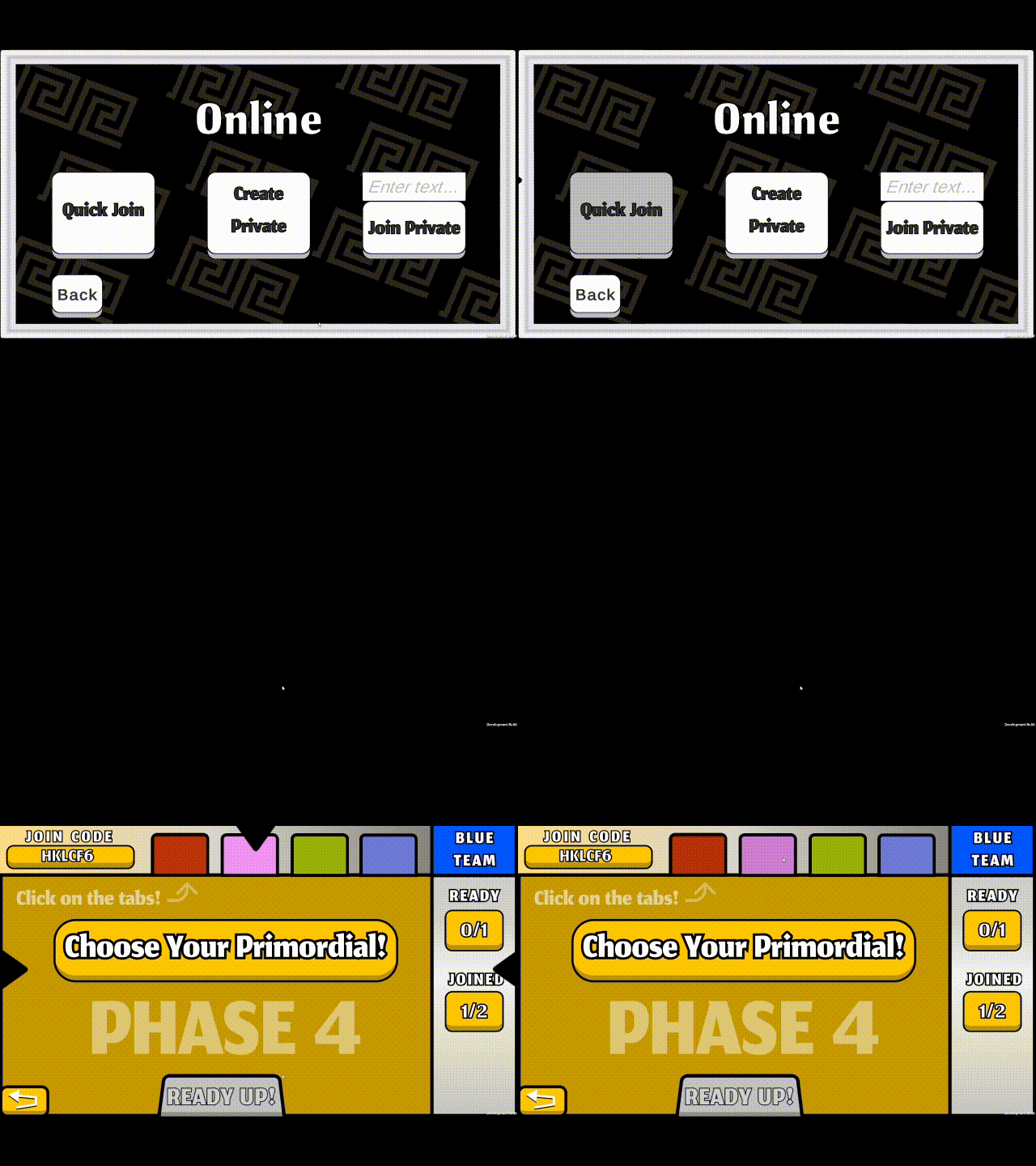
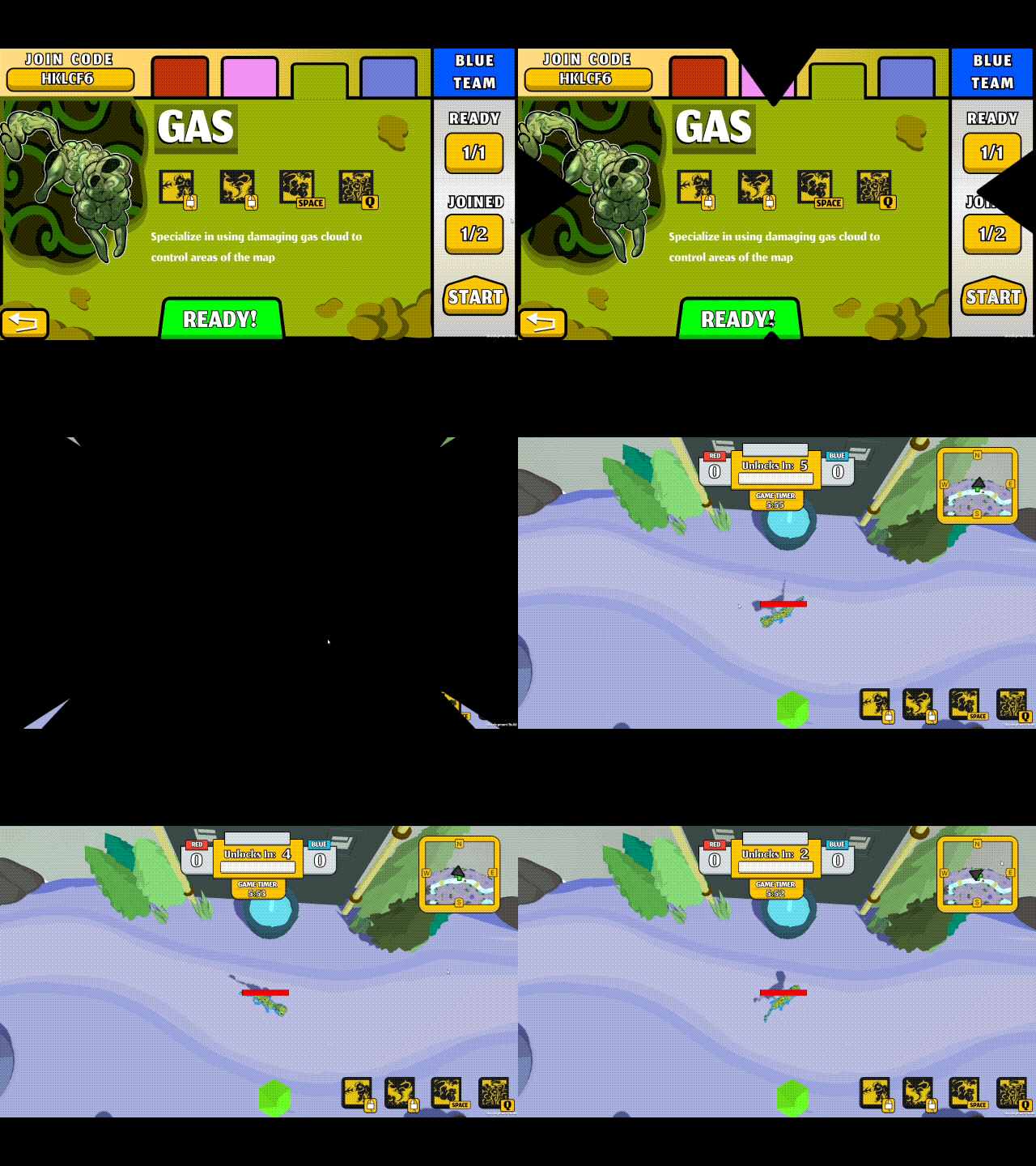
Game lobbies
Once in a game lobby, players will select their characters and ready up. Once all players are ready, the host can send everyone into the game at the same time.
Unity Relay
Unity Relay is one of Unity's cloud services that works alongside NetCode for Gameobjects to allow users to more easily connect to other players in a P2P, Server-Client architecture. Relay condenses the data required to join other users into a simple join code that can then be input by the client to easily join the host's server.
Unity Lobby
Unity Lobby is another Unity cloud service that works alongside Relay to allow users to find and join public lobbies that are also hosted on the Lobby server. In this project lobby was used only to find the join code for the open room and nothing more as there were limitations on how many concurrent users could be on a lobby at any time.
Methods
In this section I will describe some of the methods I used to create the cohesive network system that is present within the game as well as the challenges that I faced.


Lobby Capacity
Problem:
Lobby service had several restrictions and features that caused changes in gameplay between quick-join and private lobbies.
Solution:
I would connect players to the lobby service only to gain the public lobby access key, then leave the lobby server and join the host as if it were through the private match code. This kept functionality identical between the two modes of joining.
Too much data
Problem:
Unity's default data transfer for spawned network objects was too much and would cause considerable latency.
Solution:
I created custom Network-Serializable datatypes that would only send the bare minimum amount of data over the network to maintain functionality.

Above is the data that the player transfers every frame, notice that it only transfers some of the rotation as the rest isn't needed.
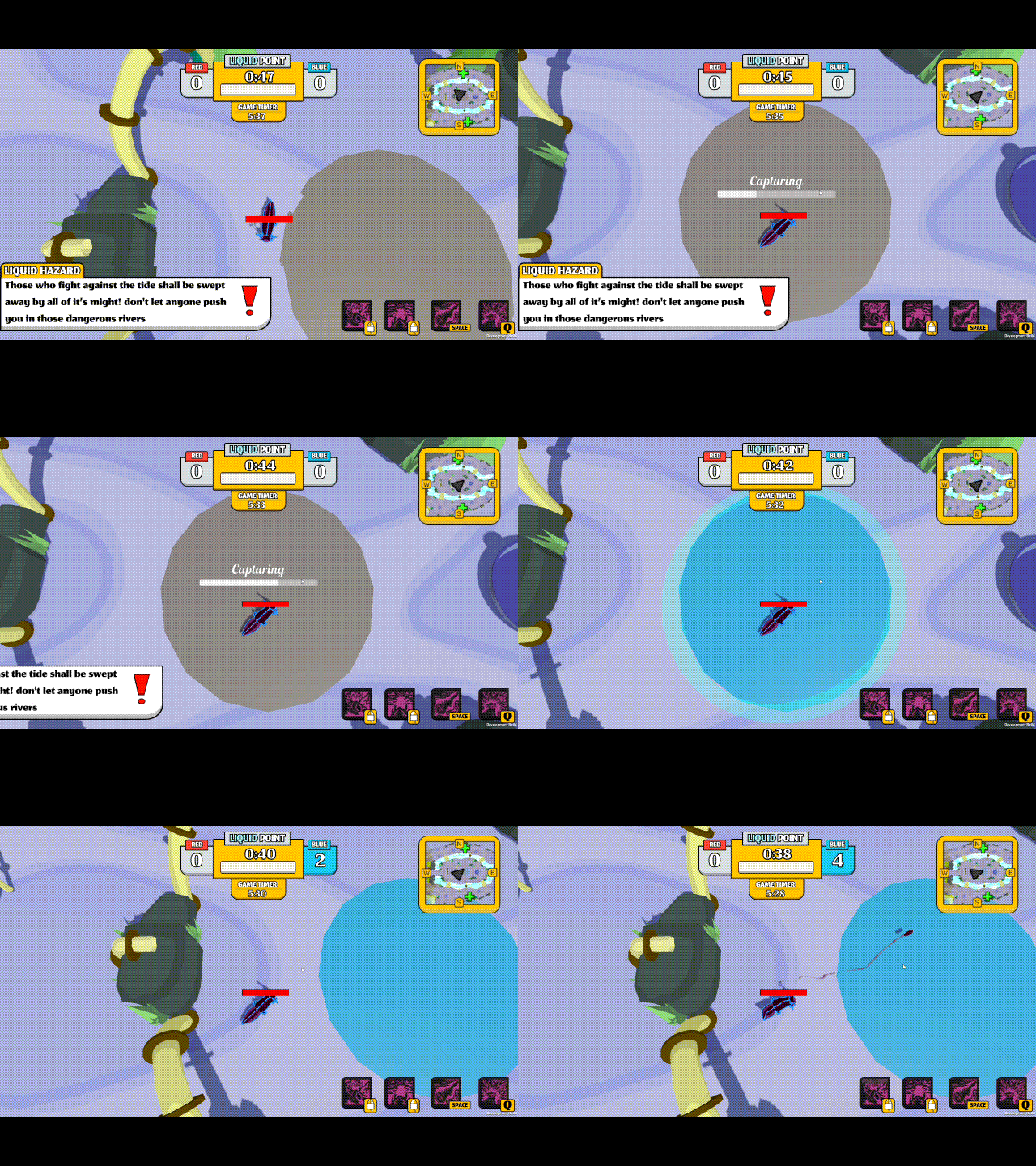
In the above example, data would only be sent from the host when the hardpoint is being captured, fully captured and then when the score increments. This cuts out one full message send from each client every update.
Too much data cont.
Goal:
Reduce communication between client and server.
Solution:
Many systems throughout the game only run on the server such as the hardpoints and the game score, this means that the score data only needs to be sent one time per change in score or hardpoint status. This solution helps to reduce the latency of the game as well.
Attacks
Problem:
Host had an advantage when attacking due to latency.
Solution:
When attacking, a simple message is sent over the network to play the attack on the corresponding character, this was done to reduce the message load initially, but we found that doing so also allowed for clients to locally detect attack collision, so users never felt like the were hit by something that clearly missed.
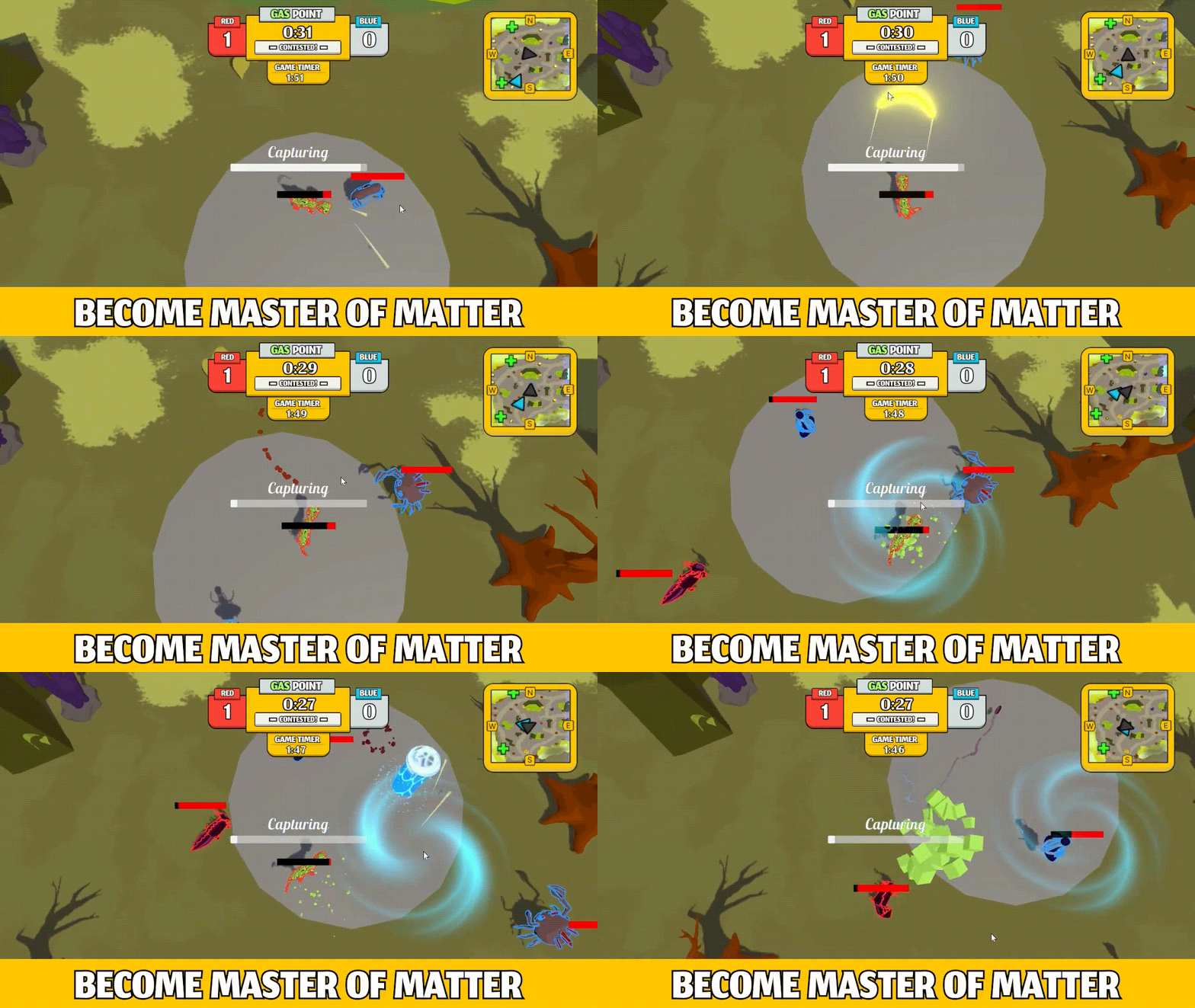
Above you can see players fighting and being hit by attacks. There is a slight delay in attacks registering against other players and that is due to the other client havign to detect it themselves.